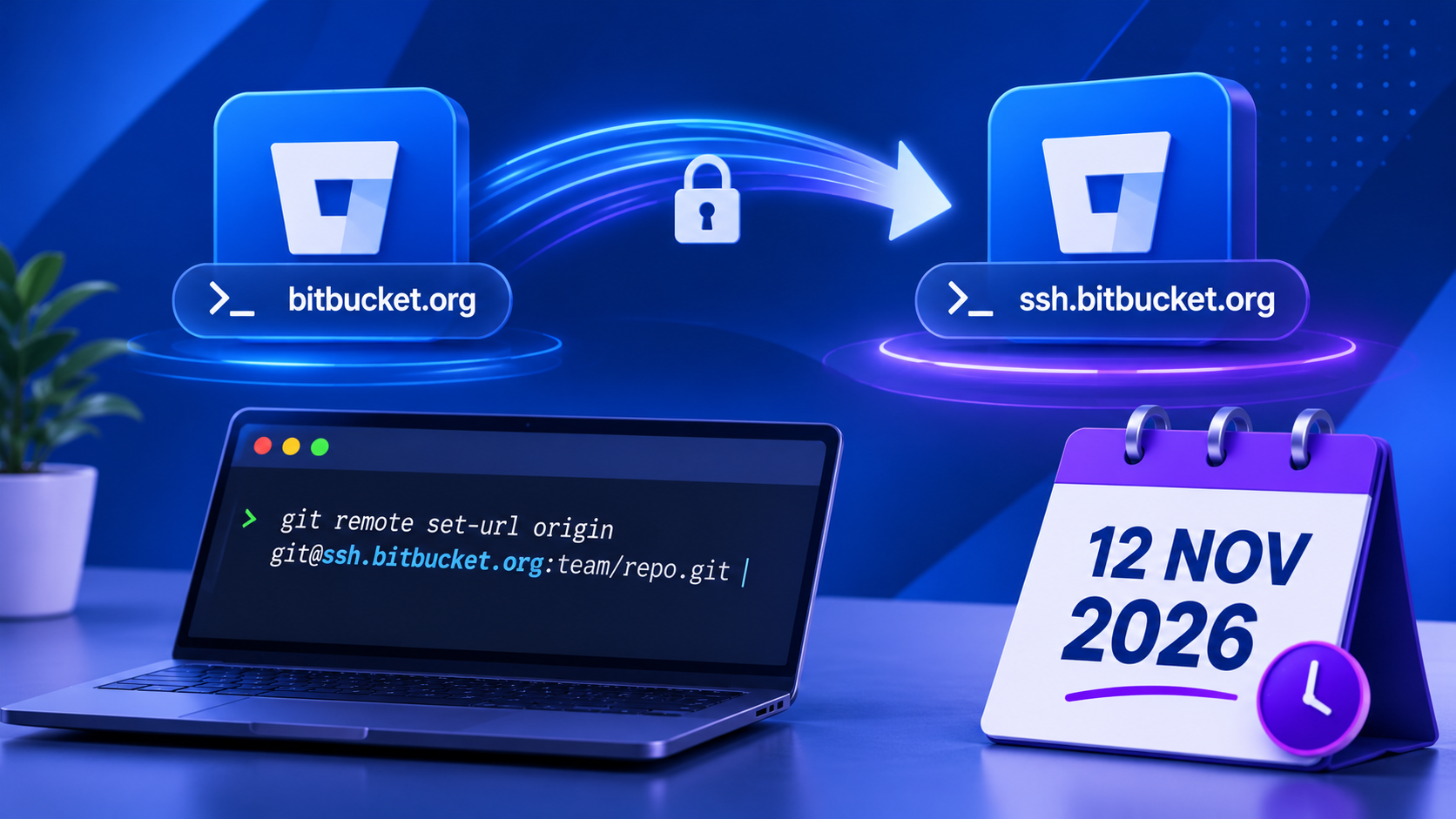
If your development team or automated systems interact with Bitbucket over SSH (git@bitbucket.org:...), action is required to ensure uninterrupted access to your repositories.
Step-by-Step Migration Guide
Step 1: Identify Affected Repositories
Run the following command inside your local project directory:
git remote get-url originAction Required: Remotes starting with git@bitbucket.org:
No Action Needed: Remotes starting with https://
Step 2: Safely Test the Endpoint
Before changing configurations, verify that your client machine can authenticate with the new host without modifying repository settings:
git ls-remote --heads git@ssh.bitbucket.org:team/repo.gitThis command queries remote branches and confirms connectivity without making structural changes.
Step 3: Update the Remote URL
Once verified, execute the update command:
git remote set-url origin git@ssh.bitbucket.org:team/repo.gitThis operation only changes the target hostname. Your commit history, active branches, and stashes remain unchanged.
Step 4: Update Automated Infrastructure
Ensure that non-interactive environments are updated as well:
CI/CD Pipelines: Update repository URLs inside pipeline configuration files or environment variables.
Deployment Servers: Update deployment scripts, staging environments, and production servers cloning via SSH keys.
Troubleshooting Tip
If a repository fails to connect after switching hostnames, test the legacy URL before assuming the new endpoint is down. During our internal audit at Querytech, two repositories failed post-update due to pre-existing SSH key access permissions rather than the migration itself.
Ready to Launch Your High-Income Tech Career?
Don't let lack of direction slow down your growth. Join the next cohort of data leaders and gain hands-on, job-ready skills today.